
Landing pages for YouTube ads: what visitors expect after the click
Hookpair team. Updated
The ad runs on YouTube: the visitor was watching a video, saw or heard the ad (often longer and with sound), and clicked from a TV, phone or desktop. They know more about the product than a feed visitor, but did not search for it.
What the first screen has to do for YouTube visitors
- 1The video's main claim and product
- 2The demo or key moment as an image or short clip
- 3A clear next step for people who watched the whole ad
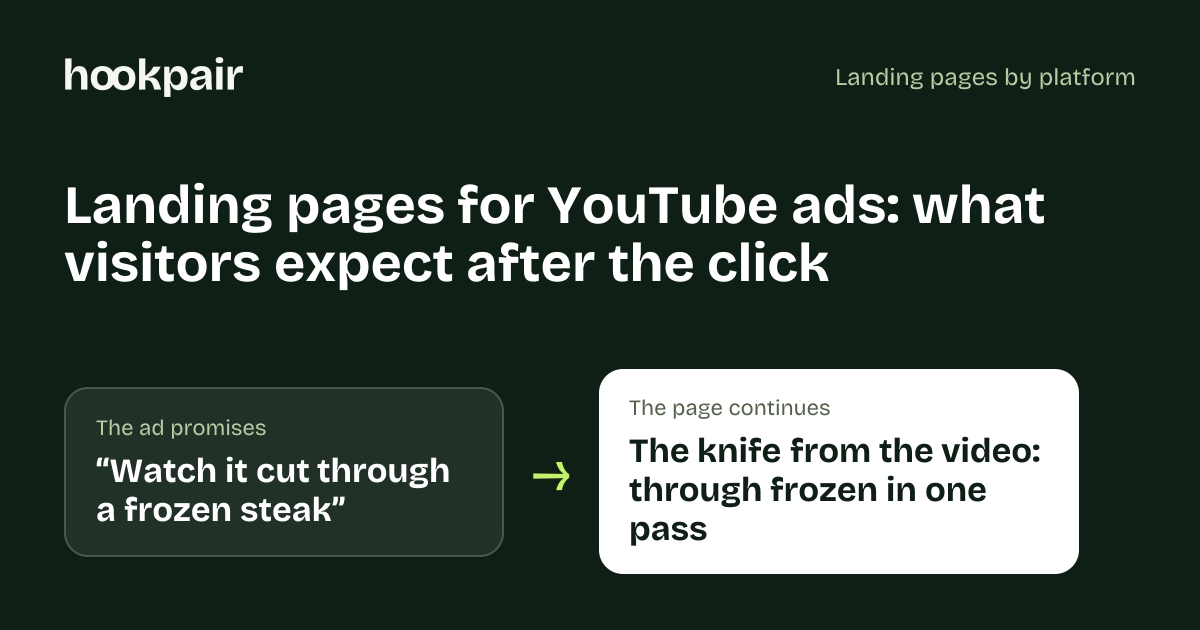
- Ad
- Watch it cut through a frozen steak
- Page headline
- The knife from the video: through frozen in one pass
Proof that works for this audience
- The demonstration continued
- Specs and comparisons the video referred to
- Reviews
Mistakes that waste YouTube clicks
- A page that ignores what the video already explained
- Autoplay video with sound on landing
- No mobile version of a desktop-first page
Ad formats and copy length
- Skippable in-stream
- Non-skippable and bumper ads
- In-feed video ads
- Shorts ads
The headline on in-feed and companion placements is short, around 30 characters for the short version; the video does most of the talking.
Measurement and review
Tracking: Google tag with enhanced conversions; YouTube ads are measured in Google Ads.
Google Ads policies apply: the destination must work, match the ad and avoid misleading claims.
Check your page against your YouTube ads with a free audit.
Free tool: Ad copy length checker · Count primary text, headlines and descriptions for Meta, Google and TikTok, and see where the text gets cut off.
Questions
What should a landing page for YouTube ads show first?
The video's main claim and product, The demo or key moment as an image or short clip, A clear next step for people who watched the whole ad.
What is the most common landing page mistake on YouTube?
A page that ignores what the video already explained
How do I track conversions from YouTube ads?
Google tag with enhanced conversions; YouTube ads are measured in Google Ads.