
How to build a Shopify landing page for your ads (that keeps the ad's promise)
Hookpair team. Updated
A Shopify product page serves everyone: people who browse the collection, people who search, people who come back to buy. Someone who clicks an ad is different. They clicked because of one specific promise, and the first thing they need to see is that promise, confirmed.
Your product page wasn't built for ad traffic
A product page leads with the product name, a gallery and the variant picker, and it tries to answer every question at once. That works for a shopper who already knows the product.
An ad visitor arrives with one promise in mind: "fits under every airline seat", "20% off your first order", "no more tangled cables". If the page opens with something else, they have to search for the reason they came, and many don't.
Three ways to give ad traffic its own page
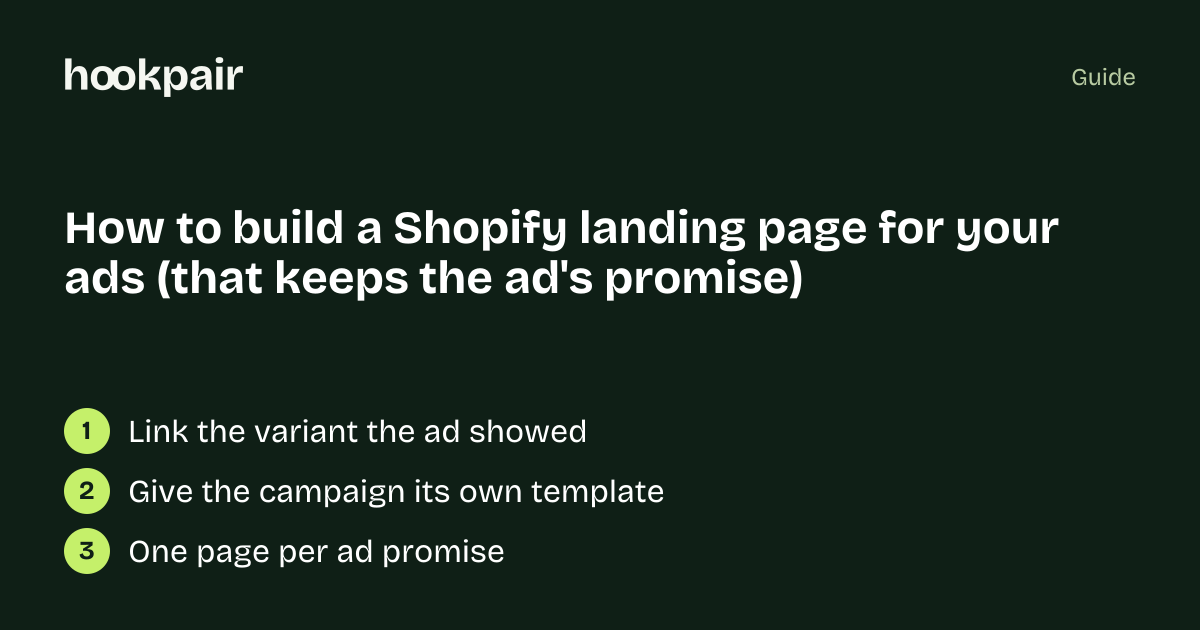
- 1Point the ad to the right variant. If the ad shows the blue bag, link to the product URL with the blue variant selected (Shopify product links accept ?variant= with the variant's ID), so the page opens on what the ad showed. It costs nothing and removes a common mismatch.
- 2Change the top of the product page for one campaign. A second product template in your theme lets you put the ad's headline and offer above the gallery for this product only.
- 3Build a separate landing page per ad angle. With a page builder or an exported HTML page you can make one page per promise: the travel angle, the gift angle, the discount angle. Worth it when an ad spends enough that a better page pays for the work.
What the first screen must do
- Repeat the ad's promise in the headline, close to the ad's own words.
- Show the product the ad showed, in the same color or bundle.
- Show the offer with its condition ("20% off your first order", not just "20% off").
- Give one clear button that leads to that exact product and variant.
What goes below
Answer the doubts the ad raises, in the order a buyer has them: does it really do what the ad said (proof, measurements, reviews that mention it), how do I use it, and what do delivery and returns cost. Everything else can stay on the normal product page.
Check it before you spend more
Put your ad and the page side by side and read only the first screen of the page: does it say what the ad said? The free message-match check compares the two for you; a full audit quotes every gap and drafts a page for that ad.
Free tool: Message match check · Compare the ad's hook with the landing page headline: which words and offer numbers carry over, and which disappear after the click.
Questions
Do I need a page builder?
No. A variant link and a second product template solve most mismatches. A builder helps when you run several angles for one product.
Do I need one page per ad?
One page per promise is usually enough; ads with the same promise can share a page.